
Dashboard UI Overhaul
A new Sidebar experience
You now have a workspace switcher at the top, making tracking which workspace you are currently actively using easier. We also improved the look and feel of the sidebar to make it easier to read and navigate the dashboard.
Key analytics
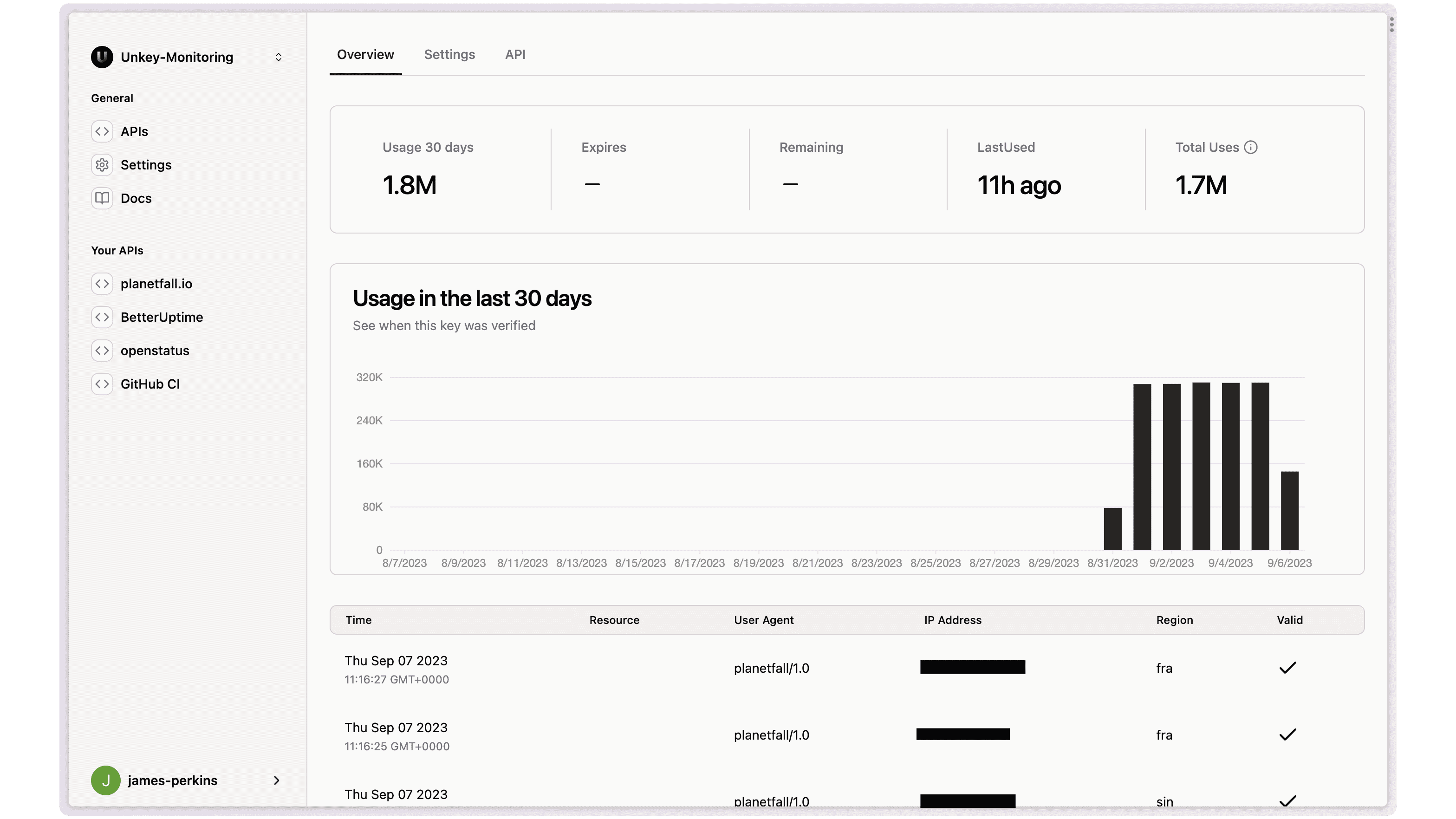
Our per-key analytics got a significant overhaul, and you can now find details such as when the key was last used, total uses, and usage over the last 30 days. If you use our remaining or expiring features, you can see when it will expire or how many uses are left.
After the chart you are used to, we now have details of each verification attempt, including the resource you requested, User Agent, IP, Region it processed through, and whether it was valid.
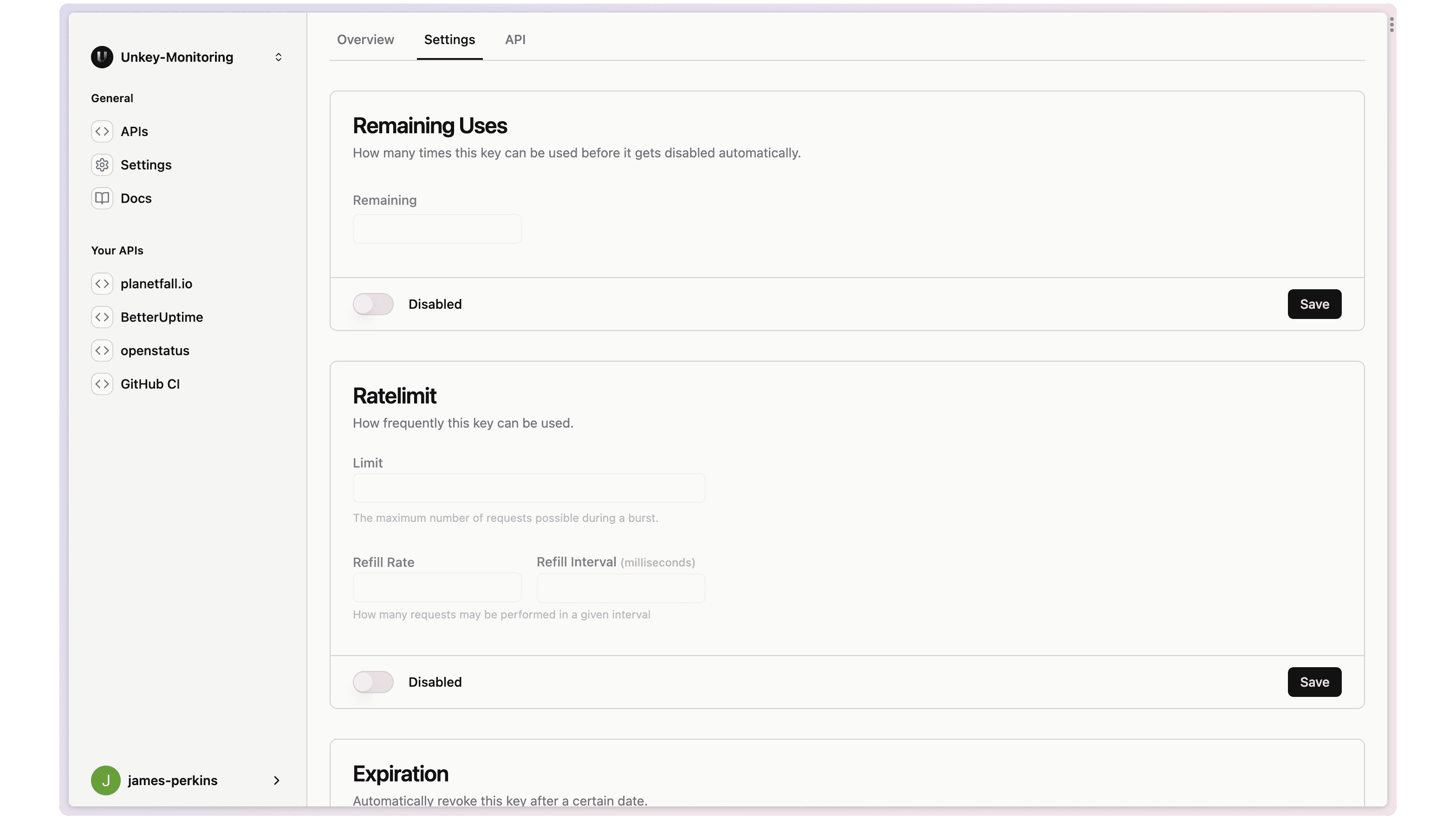
You can now update any key directly in the dashboard in the settings section. You can add rate limiting, update metadata, and make a key expire in a few clicks.
API Settings
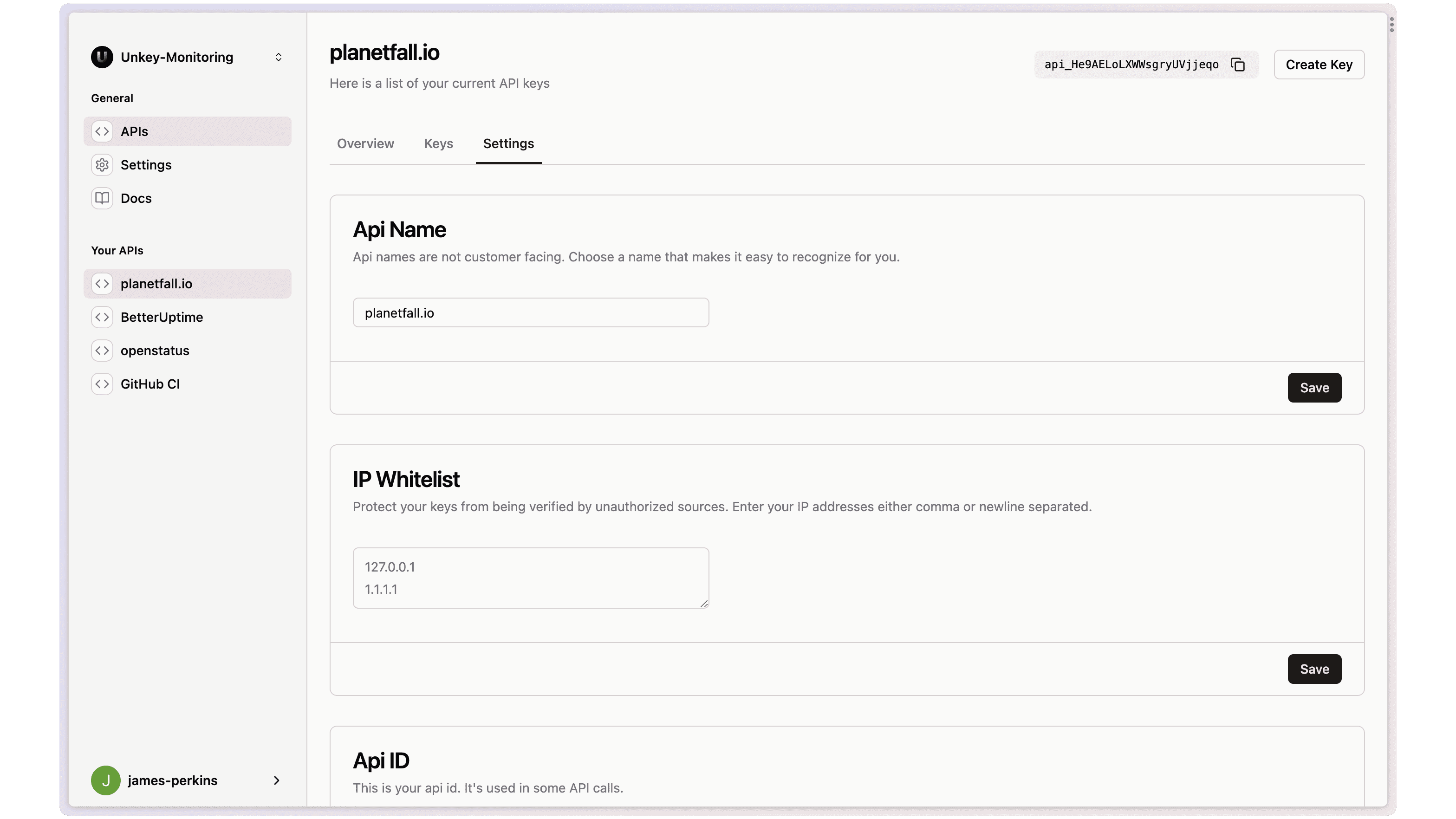
APIs are also updatable. You can update the name. If you are an enterprise customer, you can add your whitelisted IPs
Account Settings
We now have an comprehensive account settings section, you can update your personal account, workspace, billing and see your usage.
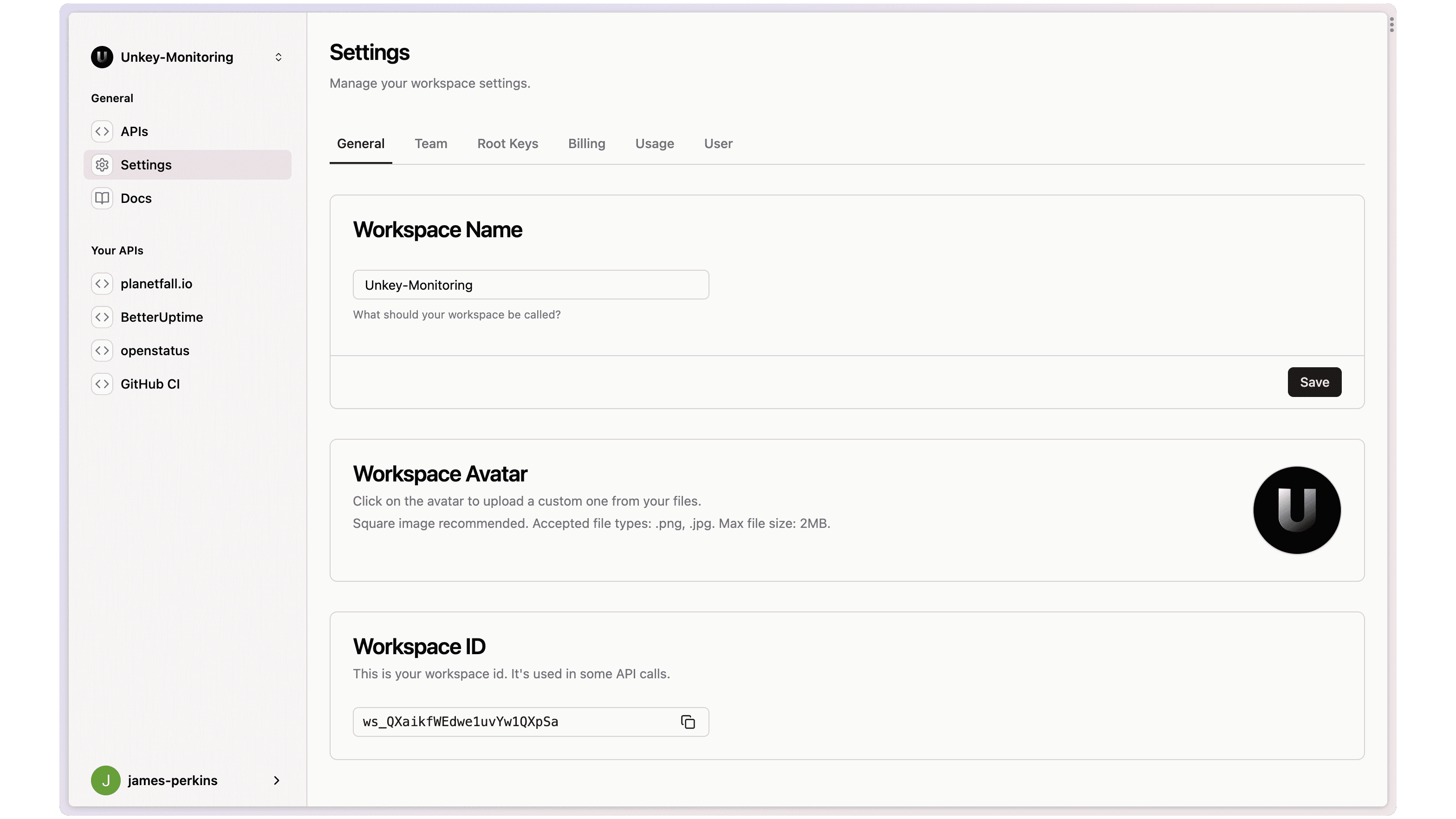
Workspace Settings
You can now update your workspace name and upload a new workspace avatar
Team member management
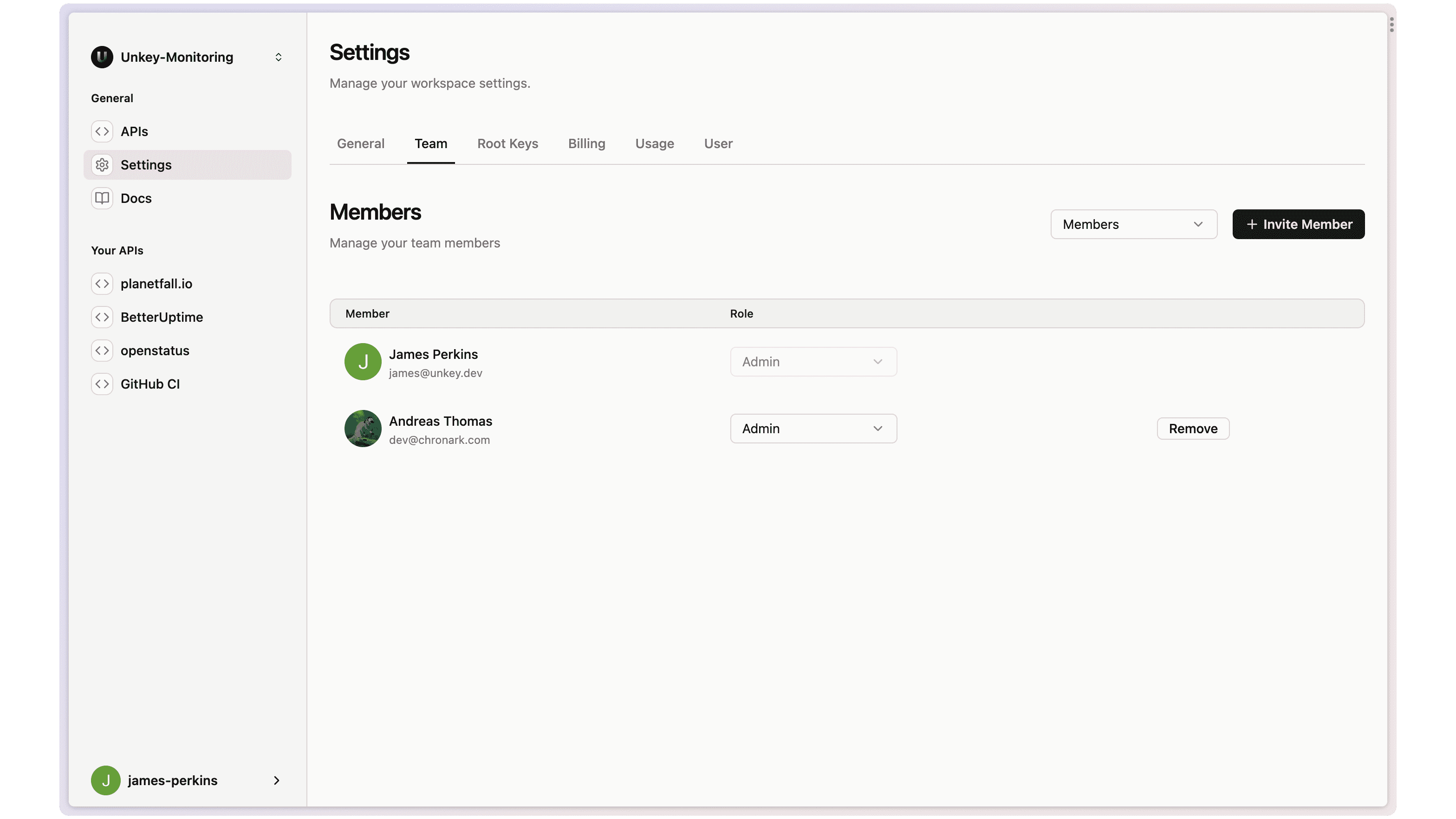
As a pro-tier subscriber, you can invite and remove your team members as needed. You also have the option to have an admin who can manage accounts and members who can't add or remove other members.
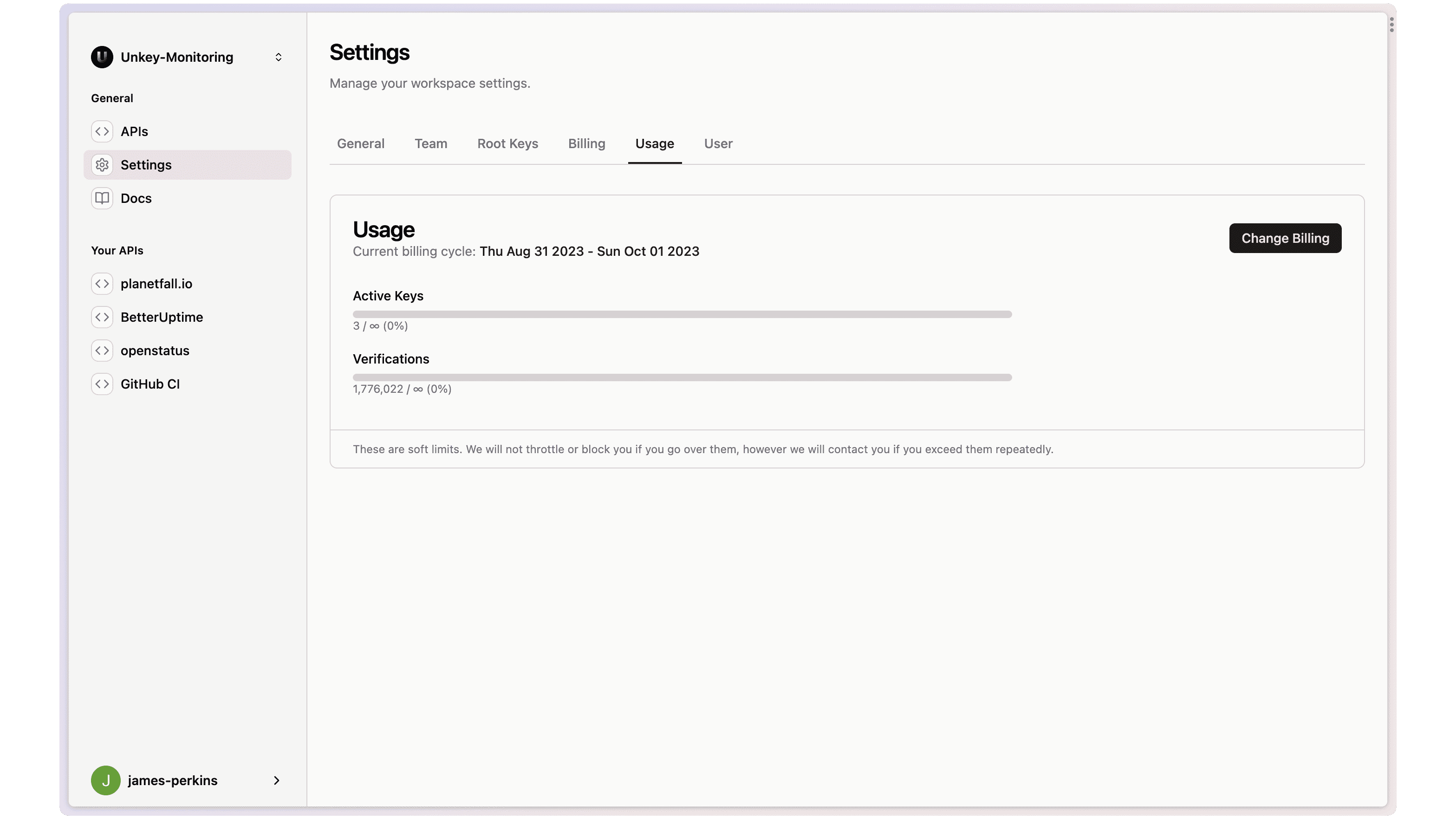
Usage
We know it is essential to track usage whether you are on the free plan or running a business, so we introduced a new usage section that shows your active keys and verifications for the current billing cycle.
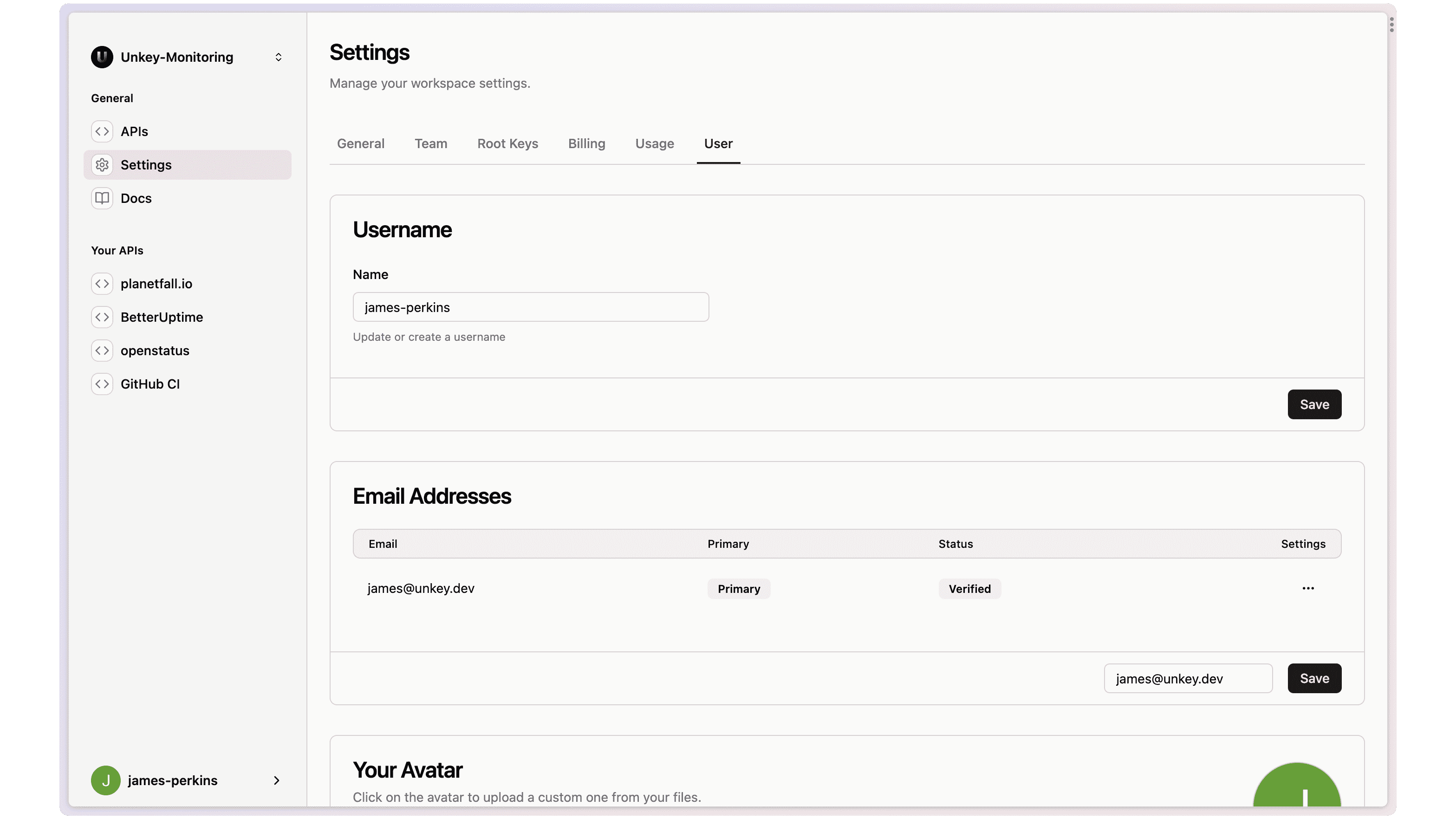
Manage your user account
Finally, you can add a backup or change your primary email address. Upload your avatar and create or update a username.
Documentation improvements
The documentation has been updated, we shortened the quickstart flow and documented the update key for the Viraza SDK. Look out for our new Next.js wrapper coming soon!